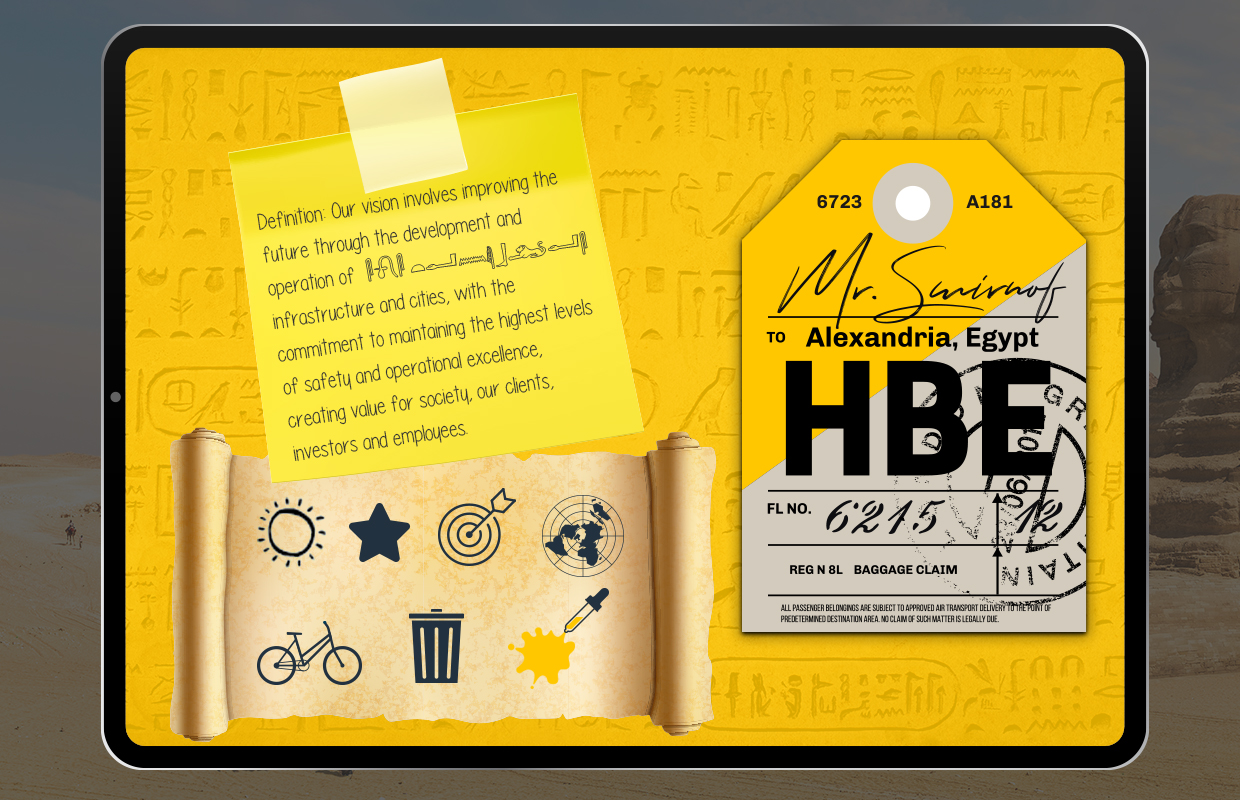
Room 02


NAVIGATION HELP: Click on the image with the mouse, and without releasing it, move the pointer to move the stage. You will see points of interest (TOUCH POINTS), click on them to see the information. In the lower right corner you have an icon (double arrow) to put it in full screen.
SKILL TEST
To get my part of the PART reset code, you will have to find out the word that is hidden in some of the scribbles that I have left painted on one of my virtual scrolls…